Control Screen Viewer
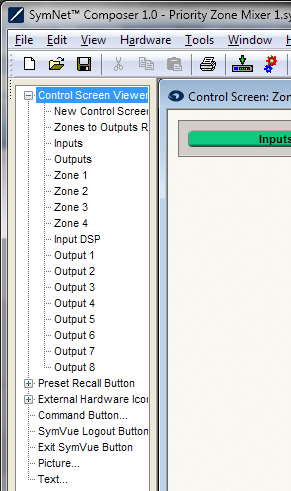 The Control Screen Viewer tree lists out all Control Screens in the current Site File. Additionally, a New Control Screen item is listed. If you drag any of these items into a Control Screen, Site or Design view, a button will be created which links to its respective Control Screen.
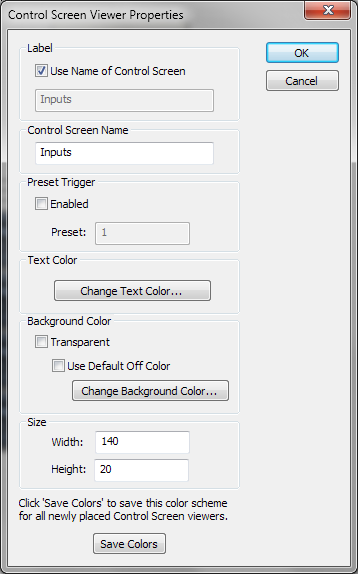
Control Screen Viewer buttons may assume the Control Screen's name they are linked to, or by unchecking Use Name of Control Screen, a user-specified name may be entered in the Label section.
Optionally, a Preset may be triggered when the Control Screen is opened by checking the Preset Trigger Enabled box and entering a preset number.
The Text Color on the button can be adjusted and the Background Color made transparent or opaque in a user-specified color.
The Size of the button may be adjusted numerically by manually specifying the Width and Height or graphically by selecting the button and using the shit+arrow keys.
To save your color settings made here as defaults for future Control Screen Viewer buttons, click the Save Colors button.