Assigning Parameters to ARCs
Parameters are assigned to ARCs directly through the Right-click Menu using the Set Up Remote Control... function. This function automates the process or assigning a parameter to a Control Number then that mapping that Control Number to an ARC menu, knob or switch automatically for you.
Right-click Directly On a Parameter:
When you right-click directly on a parameter, the contextual below is shown. From here you can:
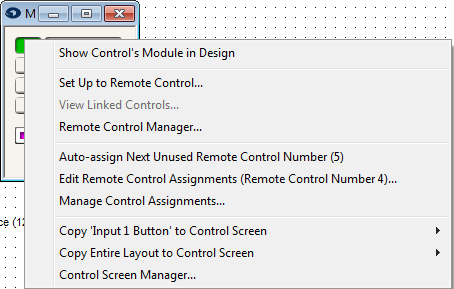
Set Up to Remote Control... - Assigns the currently selected parameter to a new or already defined remote.
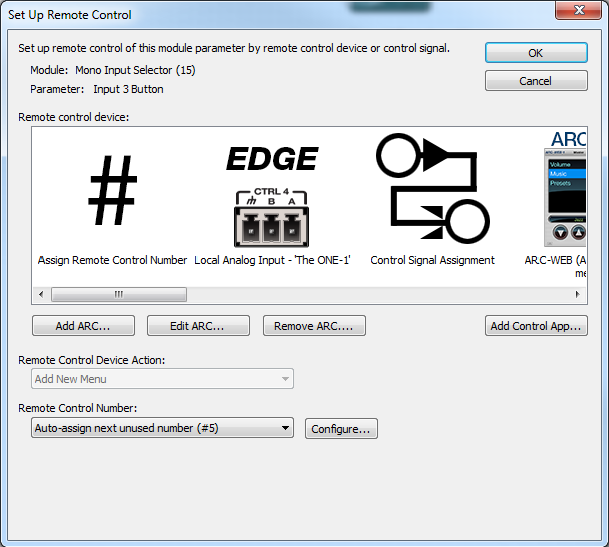
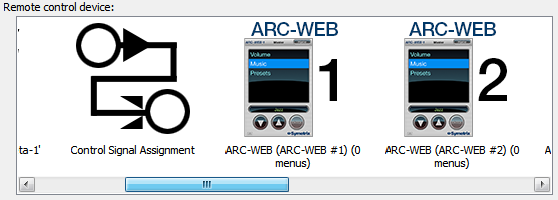
In the Set Up Remote Control dialog, select your remote from the Remote Control Device by side-scrolling the window:
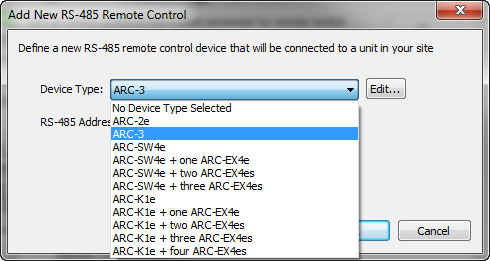
If you have not defined your remote yet, or your remote is not one of the pre-defined remotes (ARC-WEB or ARC-FP), then select Add New ARC... icon or click the Add ARC... button. This brings up the Add New RS-485 Remote Control dialog:
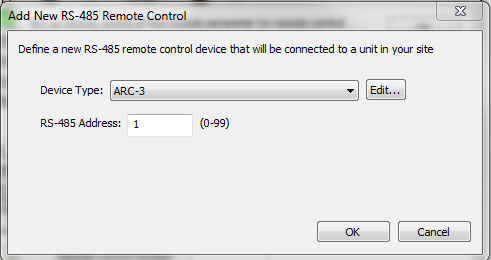
In the Add New RS-485 Remote Control dialog, select your remote from the Device Type drop down menu:
After you have set up all the remote controls you desire, you can open the Remote Control Manager to further tweak ARC options, menu options, and control properties.
For more information, refer to your remote's respective programming topic: