Load Unit Design Setting
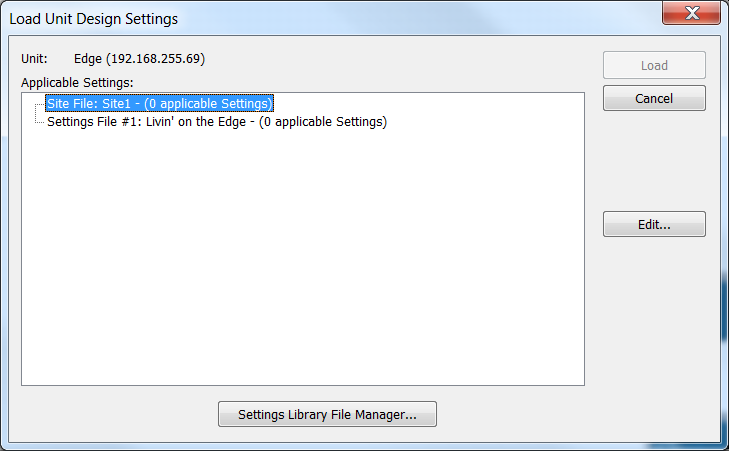
The Load Settings dialog is used to load unit designs or module settings from Settings Files managed by the Settings Library File Manager.
Clicking on the Site File or Settings File levels of the tree view enables the Edit button which can be used to delete or rename settings within the Settings File(s).
The Settings File Library Manager can be opened directly from here by clicking the corresponding button.