Selected Wire Audio
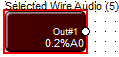
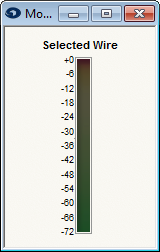
Double-click the Selected Wire Audio module or right-click the module and select Open. This will open the Selected Wire Meter. When you select a wire in your design, it will meter the audio passing as long as the unit is online.
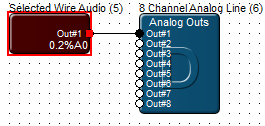
To monitor the Selected Wire Audio on your outputs, wire the Selected Wire Audio Out#1 to one of your Analog Outs and then push the site file to the hardware.