Site Preferences
The Site Preferences dialog configures options specific to the open Site File only.
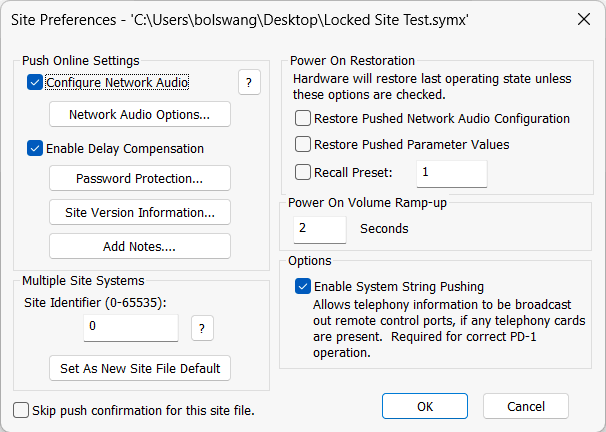
- Configure Network Audio - Checking this option will configure network audio (Dante) routing and naming when pushing the site file to hardware from Composer. If unchecked, all network audio routing and naming is managed with Dante Controller.
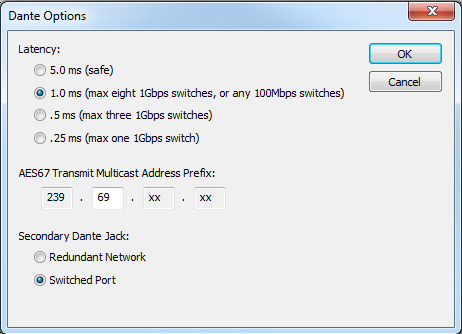
- Network Audio Options... - Opens the Network Audio Options dialog allowing you to set the Dante Latency, AES67 Transmit Multicast Address Prefix, and Secondary Dante Jack function. For more information, visit the Dante networking topics.
- Enable Delay Compensation - Checking this option will time align the outputs on each individual unit.
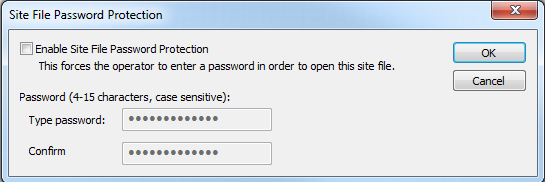
- Password Protection... - Allows you to password protect the Site File. .
 When password protected, the designated password will be required to open the Site File:
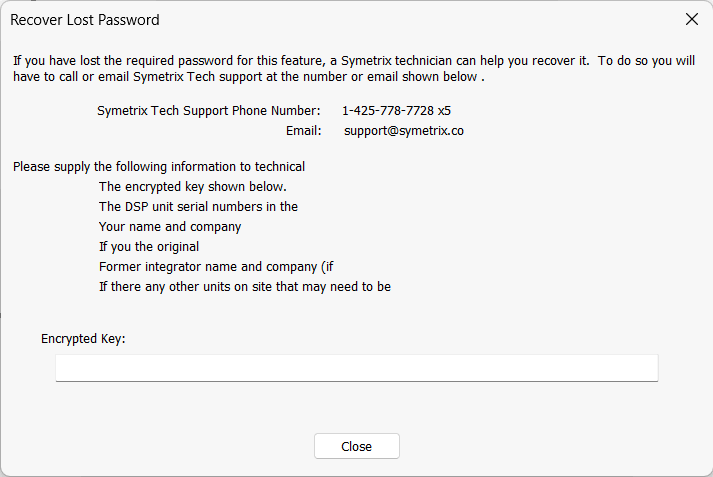
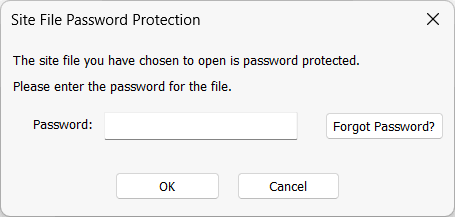 If the password is unknown, click the "Forgot Password?" button and follow the instructions:
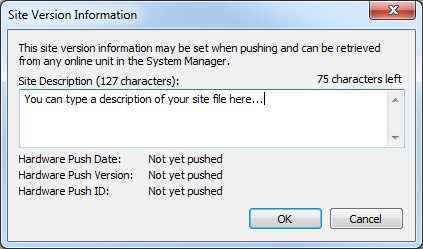
- Site Version Information... - Opens the Site Version Information dialog providing a text entry field for a site description. Also shows the date in which the hardware was last pushed, the number of times the site has been pushed and a hardware push ID.
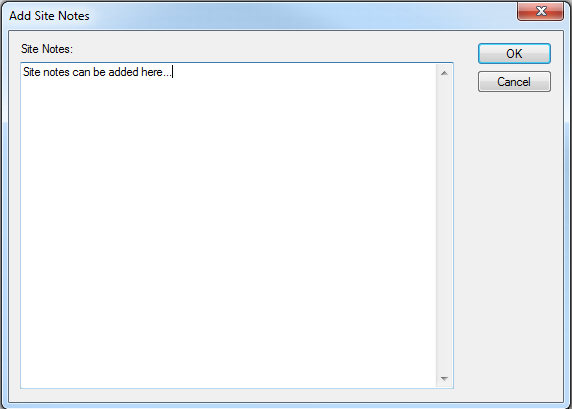
- Add Notes... - Opens the Add Site Notes dialog providing a free form text field for documenting the Site File as needed. If there are already notes entered for the Site File, this button becomes "Edit Notes...".
- Site Identifier - By default, any control data (ARC, RS-232, or UDP/IP) will be broadcast to all units connected via Ethernet, even if they are not defined in the Site File. If your system consists of multiple independent Site Files on the same network and you do not wish control data to be shared between them, each Site File must have a unique Site Identifier. The Site Identifier can be saved as the new default by clicking the "Set As New Site File Default" button.
- Skip push confirmation for this site file. - Checking this option will skip the confirmation dialog that opens when the Site File is pushed to hardware.
- Power On Restoration - The system can power on with the following options: Restore Pushed Network Audio Configuration, Restore Pushed Parameter Values, or Recall Preset. Using the first option will cause all network audio interfaces in the Site File to be reprogrammed on a power cycle. Using the second option will cause the system to power on exactly as it was last pushed to. The third option will recall a Preset after power cycle. The data in the preset will overwrite any conflicting last known parameters.
- Power On Volume Ramp-up - Sets the amount of time (0-20 sec.) the volume should gradually ramp up upon system power on.