Recalling Presets
Presets may be recalled by the following means:
- From the Presets Manager.
- From the Manage Control's Preset Dialog
- From a Preset Recall Button in a Site or Design View, on a Control Screen, or on an exported SymVue Panel.
- From the ARC-2e, the ARC-FP, ARC-WEB, a Modular ARC with switches, or a switch input.
- By scheduling for time of day recall using the Event Scheduler.
- From the Right-click Menu.
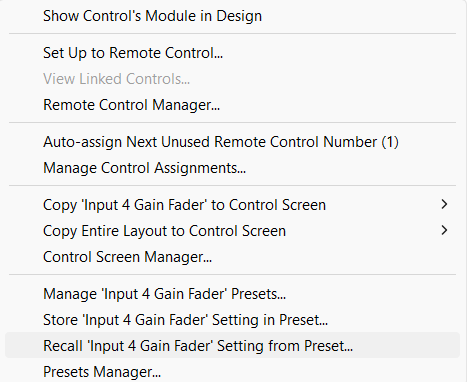 A dialog is shown
 - From 3rd party controllers.