RC-3 (Potentiometer) Programming
The Symetrix RC-3's (or any standard 10k Ohm linear taper potentiometers) connect to the Analog Control Inputs (maximum of one per input) with standard shielded twisted pair wiring in the manner shown below::
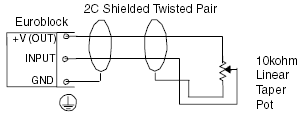
After making physical connections, make sure you have assigned one or more parameters to the Analog Control Inputs...
Right-click Directly On a Parameter:
When you right-click directly on a parameter, the contextual below is shown. From here you can:
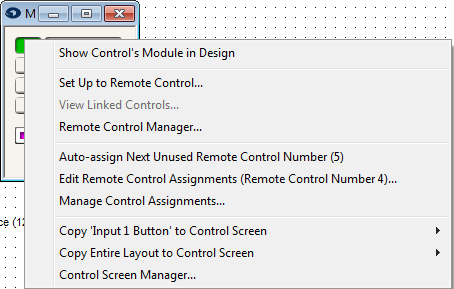
Set Up to Remote Control... - Assigns the currently selected parameter to a new or already defined remote.
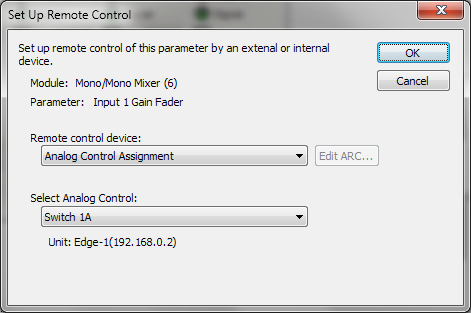
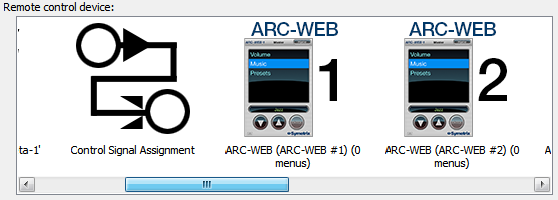
In the Set Up Remote Control dialog, select Analog Control Assignment from the Remote Control Device drop down menu:
Now select the desired Analog Control Input from the Select Analog Control drop down.
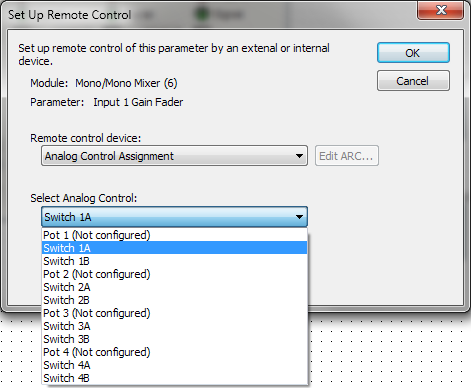
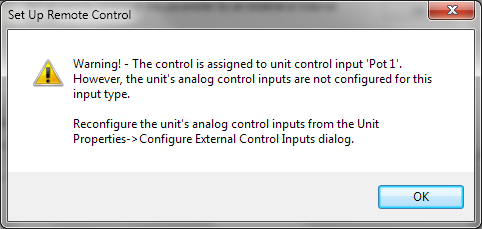
If the mode you desire has "(Not Configured)" next to it, you must remember to configure the Analog Control Input(s) within the Unit Properties accessed by right-clicking on a Unit. You will get a warning informing you of this:
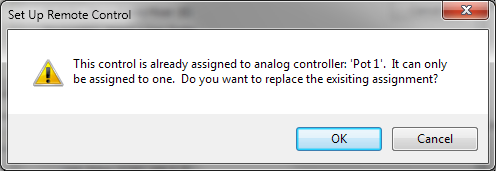
Note: Only one Analog Control Input may be assigned to a parameter at any time. If you attempt to double-assign a parameter, you will get a warning informing you of this: