Save Unit Design Settings
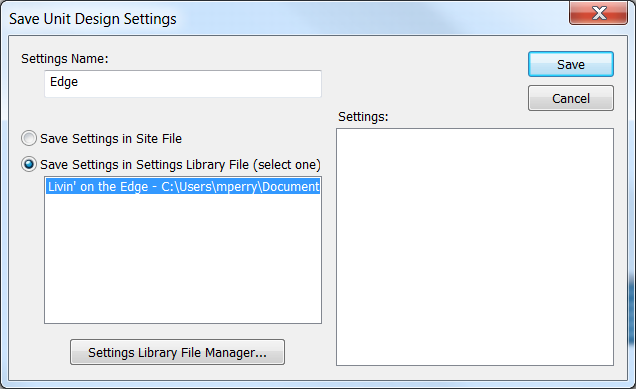
The Save Unit Design Settings dialog is used to save unit designs or module settings to Settings Files managed by the Settings Library File Manager.
The settings may be stored in the Site File or a Settings File located on your hard drive. Select the desired location, and if selecting a Settings File, choose the specific file from the list.
The Settings File Library Manager can be opened directly from here by clicking the corresponding button.