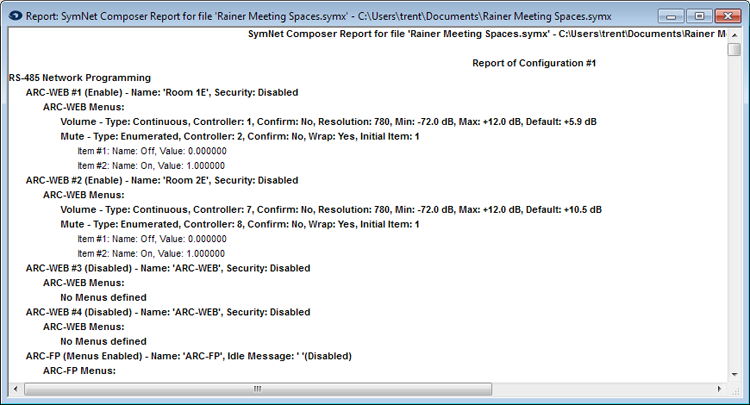
Generate Report
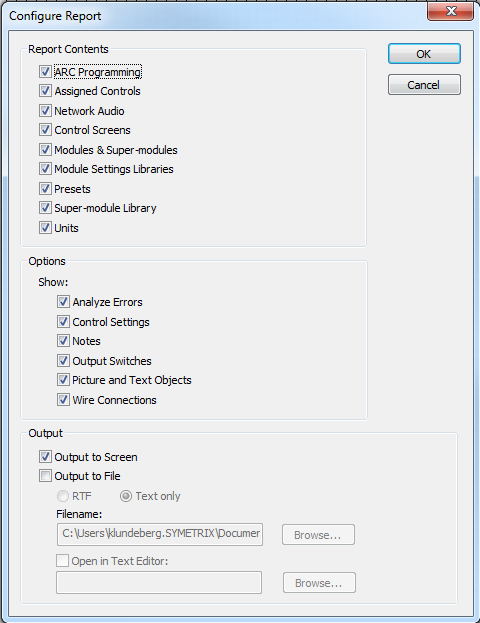 Generate Report... brings up the Configure Report dialog which allows you to select the data points you wish to have in your report, some options for the data display and output formats. Nearly everything in a Site File can be reported on. This is useful for archival and documentation. Reporting on only the Assigned Controls may be useful for handoff to a 3rd party control system programmer. Reporting on only the Network Audio may be useful for interfacing with 3rd party Dante-enabled devices.
Reports may be Output to Screen or Output to File in RTF or Text formats.
Example Report
(Output to Screen)