Remote Logic Output Programming
In the design view of the DSP, go to the Toolkit and expand Control Modules>Control Outputs and double-click Remote Logic Output.
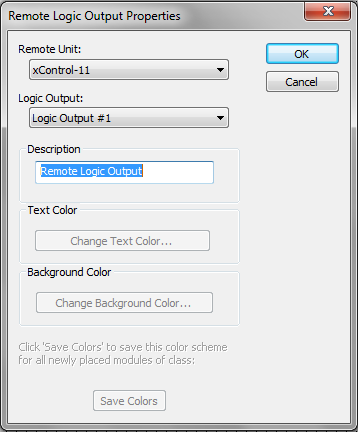
Make sure the xControl is selected under Remote Unit. Select which Logic Output of the remote unit to program in the design. Rename the module under Description. Select OK.
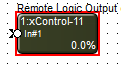
Refer to the Control Output section for programming options.