Security in SymVue
During the Composer Control Screen Export process a dialogue appears through which you can establish a password for each panel available during the export. When the user encounters the Control Screen Panel a password will be required in order to have access to the controls. A logout button may be placed on any panel as well, so that when it is clicked the trusted relationship will be severed and a user will be required to enter the password again before operation may continue
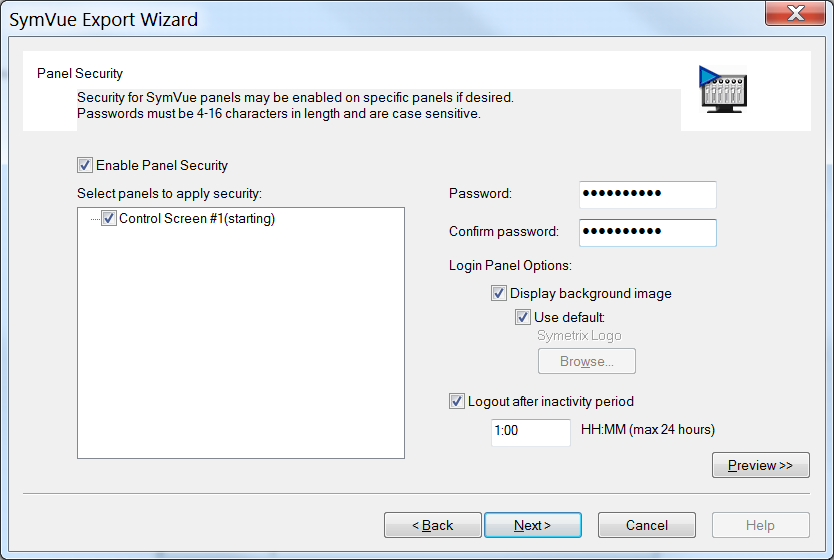
Passwords must be between (4) and (16) characters in length, contain no special characters and the entry is case sensitive.
Note: Once a secure panel has been logged into, any panels that are accessible from that panel via Control Screen Viewer buttons, will be available for viewing and manipulation.