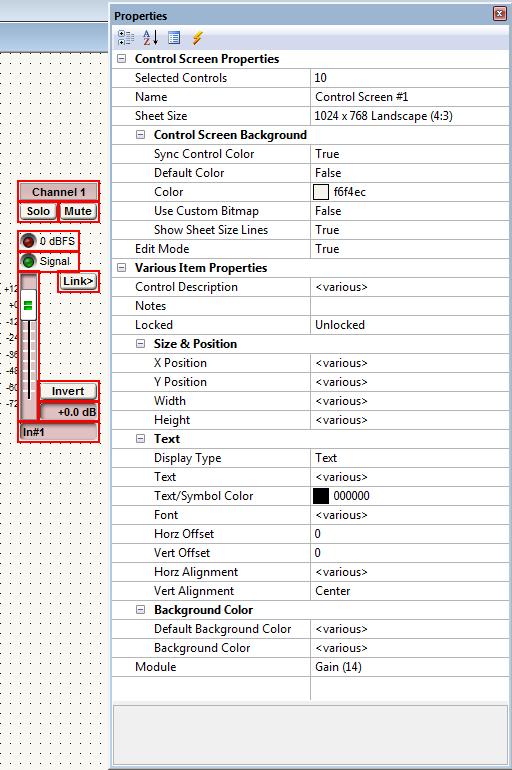
Properties Window
The Properties Window presents all available options contextually based on what is selected. This allows for quick and easy access to various properties within Composer, eliminating most modal dialogs. The window can be docked in Composer's main window, tabbed, or be left floating. The effects of edits made can be seen immediately once "ENTER" is pressed or focus changes from the property that was changed.
The Properties Window uses a hierarchial view, allowing branches to be expanded or contracted to narrow scope of properties to the ones of interest. There are two main branches in this view. The top branch of the view is for the entire view, whether it be Site, Design, or Control Screen view. The bottom branch is for the selected control or controls if any are selected.
Depending on the objects selected, different properties will be available for edit. This is most beneficial in Control Screens, where multiple items can be selected and made to appear identical with one edit operation as opposed to the previous method of having to change each item individually through modal dialogs, improving workflow efficiency. For differing control types, shared properties can be changed simultaneously in multiple selections.
The Properties Window also allows for greater font control, the use of icons and symbols in place of text, and having multi-line text objects.
Note: Not all properties are user adjustable and will appear greyed out.
There are 4 Properties Window tool buttons at the top of the window:
 - Expands all compressed branches in the tree.
 - Closes or opens the tree to a list ordered alphabetically by parameter.
Examples:
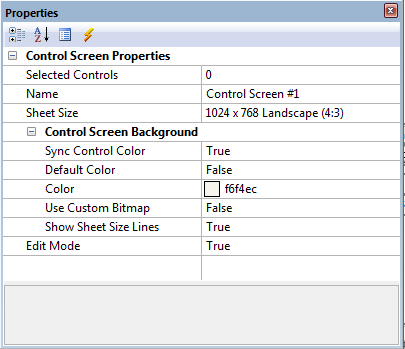
Properties Window in Control Screens (Nothing Selected)
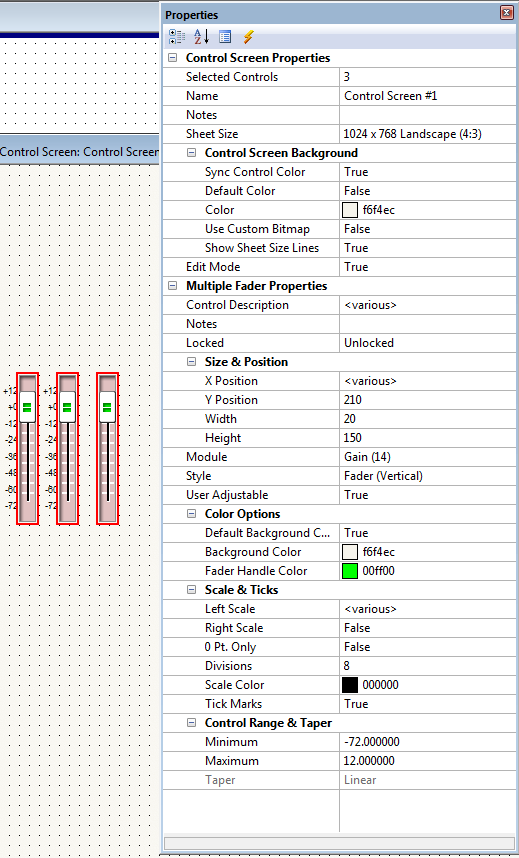
Multiple Controls Selected of the Same Type
Multiple Controls Selected of Different Types
Properties in Site View
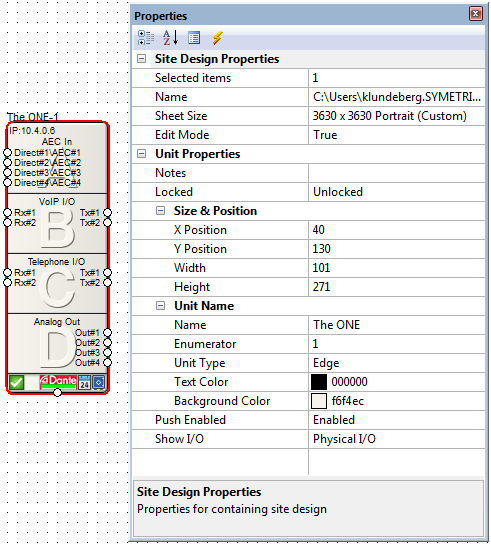
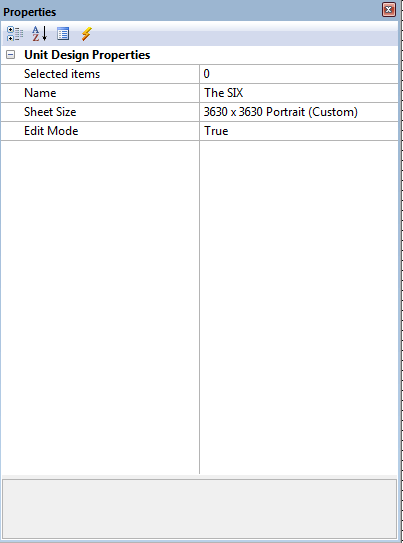
Properties in Design View (Nothing Selected)
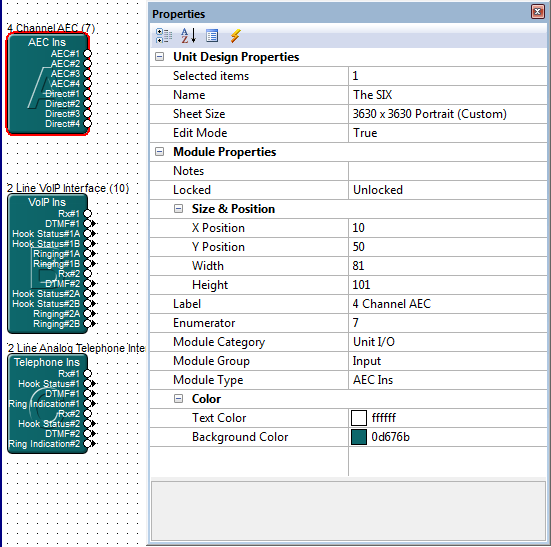
Single Module Selected
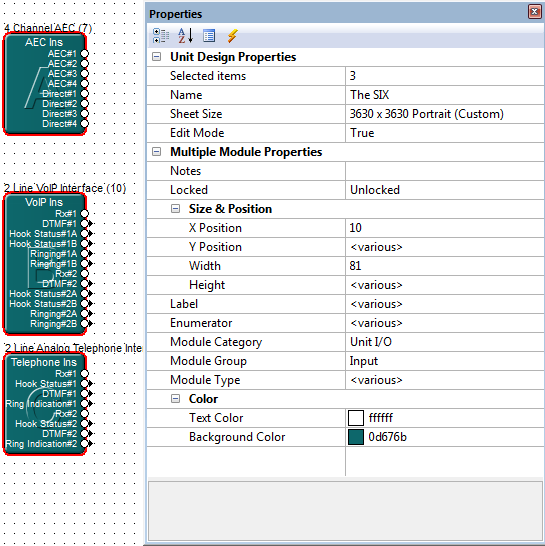
Multiple Modules Selected
Properties Window in Control Screens (Nothing Selected)
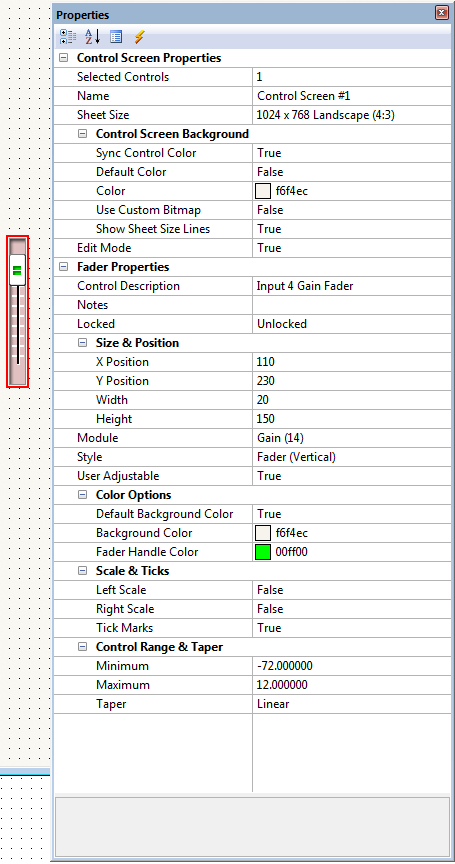
Single Control Selected
Multiple Controls Selected of the Same Type
Multiple Controls Selected of Different Types